IT ASSET MANAGEMENT
Know what you have. Keep track of what happens next.
Simple ITAM is a self-hosted IT asset management system that brings device inventory, lifecycle information, IP address management, and day-to-day asset work into one web interface. Keep records organised, find the details you need, and follow assets from arrival to retirement.
See Simple ITAM in action
Real application screenshots from Simple ITAM 1.54.5, using fictional demo inventory.
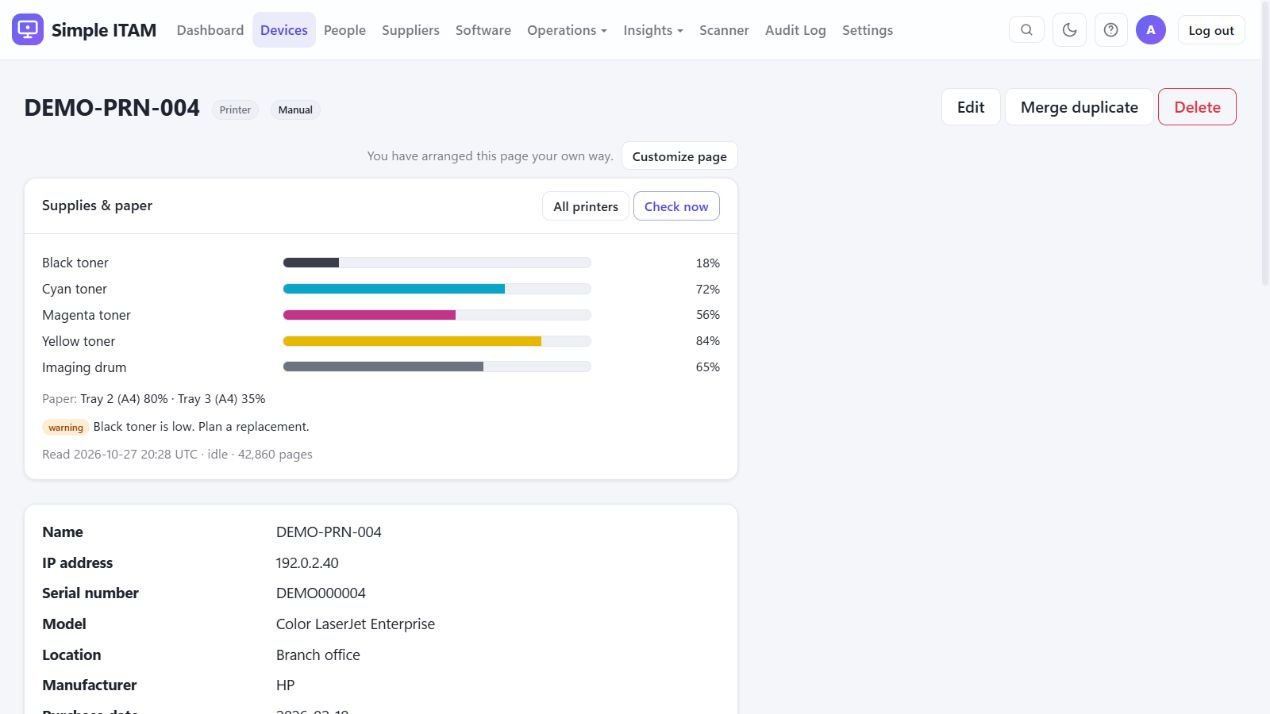
Printer supplies and paper levels
Open a printer’s asset record to review toner, ink, drum and waste-container levels, paper trays, page count, and alerts reported by the device. Scheduled SNMP checks can refresh these readings; the available measurements depend on the printer. Low-supply thresholds help highlight items that need attention.
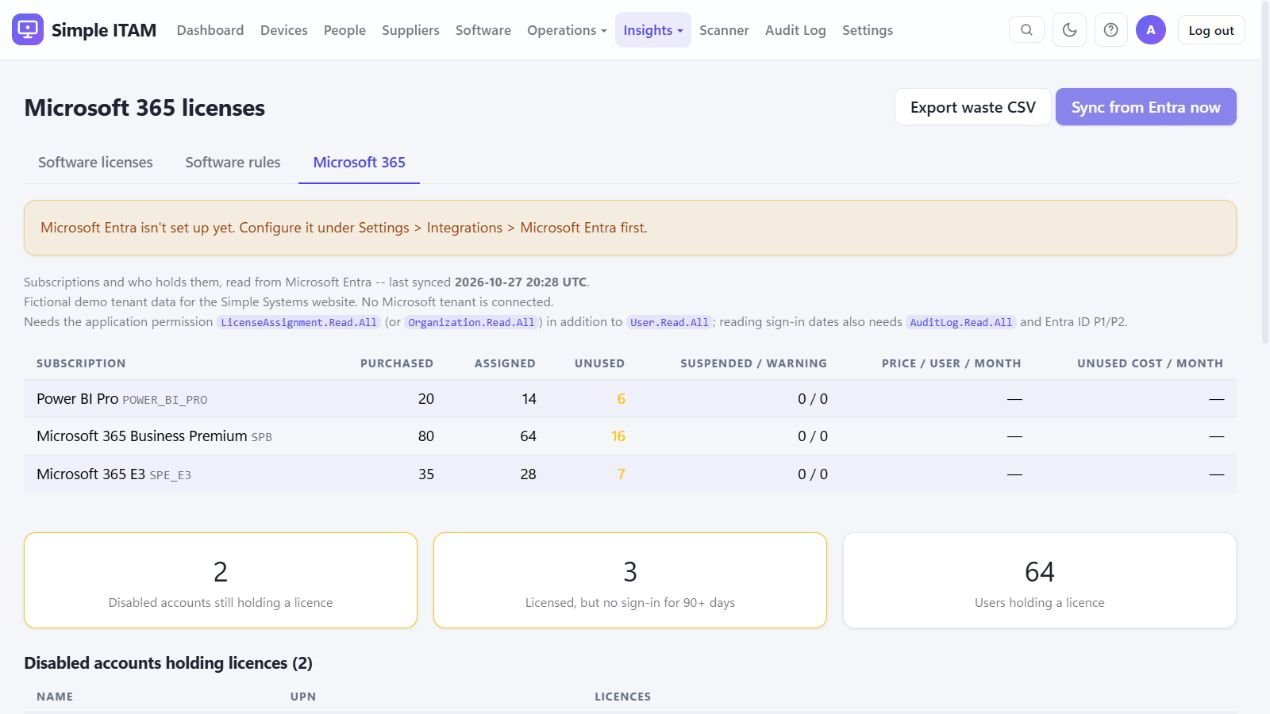
Microsoft 365 licence integration
Connect Microsoft Entra to review subscriptions, purchased and assigned licences, and unused seats. Identify disabled accounts that still hold licences and, where sign-in data is available, licensed users who have been inactive. Optional per-user costs can help estimate unused licence spending, and the results can be exported to CSV.
This example uses a fictional stored licence snapshot; no Microsoft tenant is connected. Live use requires the appropriate Microsoft Graph permissions. Sign-in activity also requires the relevant permission and Entra ID P1/P2.
Detailed features
Inventory and asset lifecycle
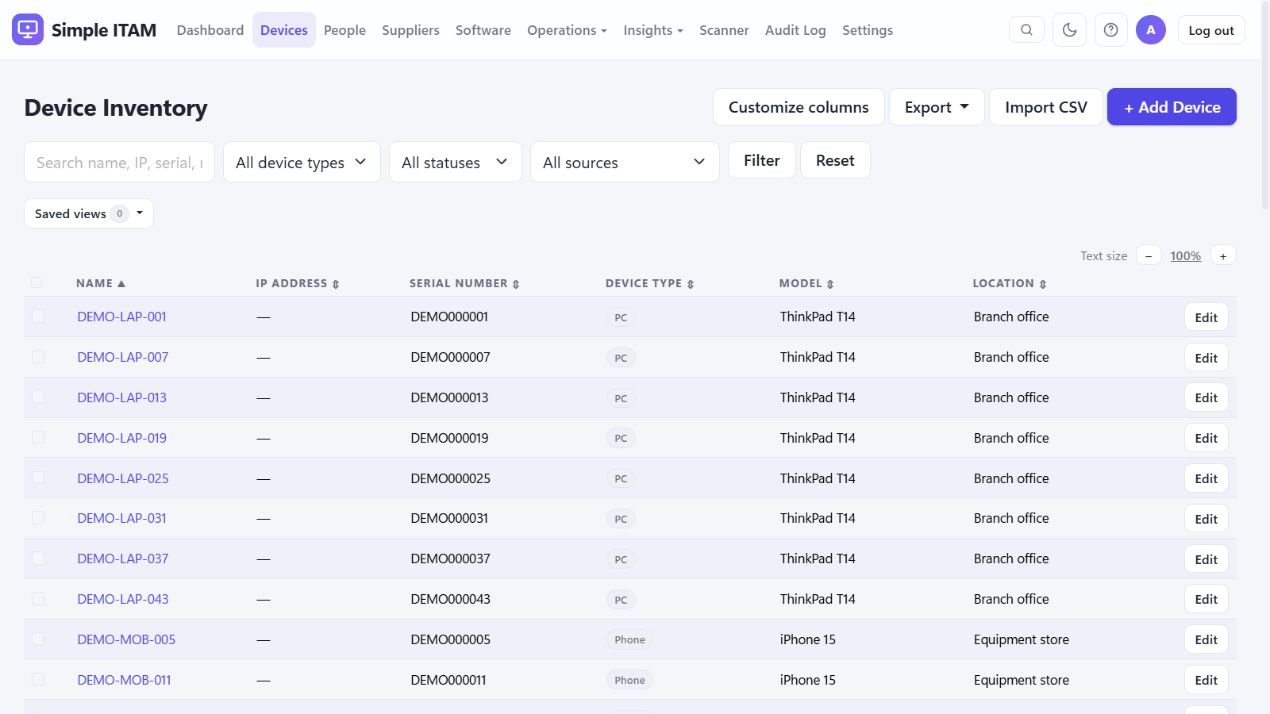
- Flexible inventory: organise PCs, servers, phones, tablets, VMware assets, switches, firewalls, access points, printers, and other equipment by category.
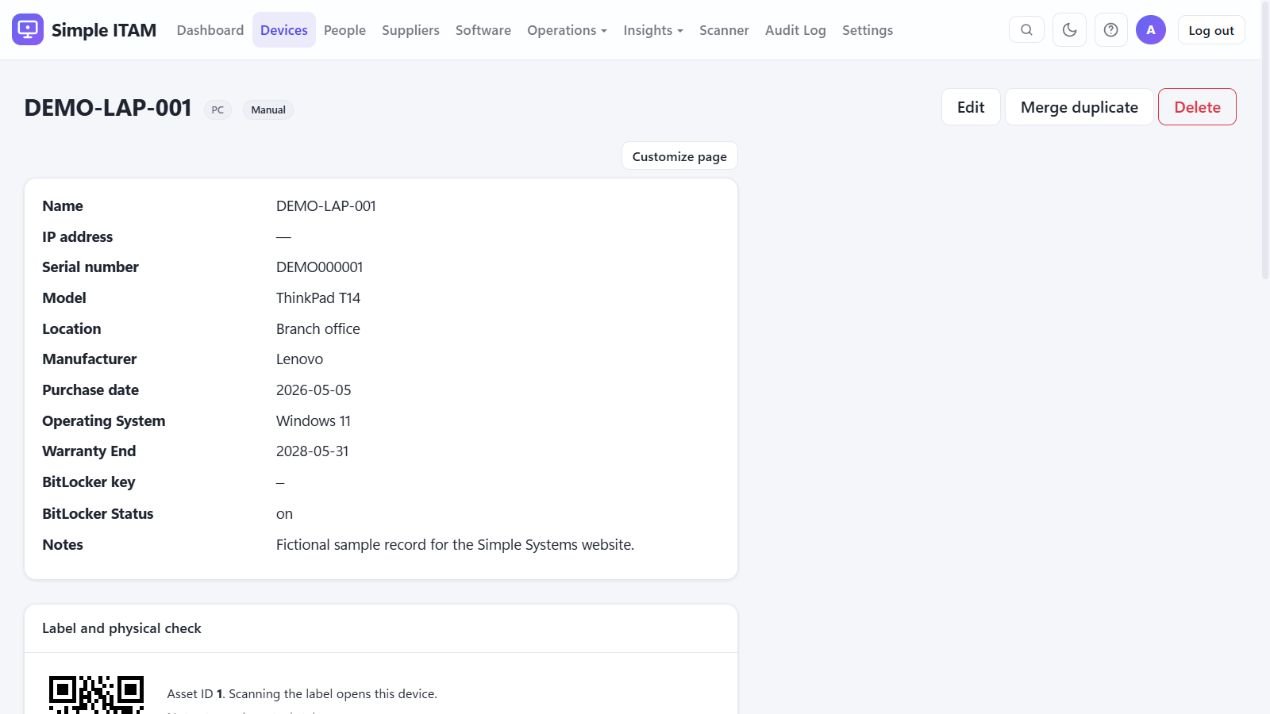
- Records that fit your work: configure fields and list columns; record serial numbers, models, locations, purchase dates, warranties, assignments, and attachments.
- Lifecycle tracking: follow assets through In Use, In Stock, In Repair, Retired, Disposed, and Lost/Stolen, with assignment and change history.
- Search and bulk work: use filters, saved views, keyboard search, bulk actions, and duplicate detection with a record-merge workflow.
Discovery and integrations
- Network discovery: scheduled scans use SNMP, SSH, and Windows inventory collection to identify devices for review before adding them to inventory.
- Network context: inspect discovered topology and switch connections where supported, review printer supplies, and track discovered TLS certificates.
- Action1: synchronise managed endpoints, installed software, hardware, patch information, and BitLocker status where the source reports them.
- Microsoft 365, Entra ID, and Intune: connect directory, ownership, managed-device, compliance, and licence information using configured Microsoft integrations.
IP address management (IPAM)
- Organise IPv4 ranges: name networks and record their VLAN, location, gateway and DHCP pool, with an overview of used, reserved and free addresses.
- Document each address: record a device name, MAC address, owner, notes and status, and link the address to its inventory asset.
- Combine inventory and discovery: see recorded assignments alongside inventory matches and recent scan sightings; review last-scan dates and whether an address answered.
- Find and review addresses: search and filter ranges, find the next free address, and inspect disagreements such as duplicate IPs, conflicting names or MAC addresses, overlapping ranges and fixed addresses inside a DHCP pool.
- Import, export and report: maintain address records with CSV, include IP addresses in the report builder, and find addresses through global search or the asset record.
- Scope: the manager supports IPv4 and documents DHCP pools; it does not administer DHCP servers. An address shown as free reflects the records and observations available to ITAM, so confirm it before assigning it.
Software, licences, and suppliers
- Software visibility: review installed software by device and use rules to flag unwanted software or missing required applications.
- Licence management: track software entitlements, allocations, expiry dates, and Microsoft 365 licences; review coverage and over-allocation.
- Supplier records: keep contact information, supporting documents, and supplier certifications alongside your asset information.
Day-to-day operations
- Equipment loans: record check-out and check-in and identify overdue equipment.
- Labels and stock-takes: generate QR labels, open asset records by scanning, and record physical inventory checks.
- Joiners, leavers, and disposal: use checklists, retirement records, data-wipe confirmations, and disposal certificates to document handovers and end-of-life work.
- Planning: review a lifecycle calendar, hardware insights, and replacement forecasts to organise upcoming work.
Insights and reporting
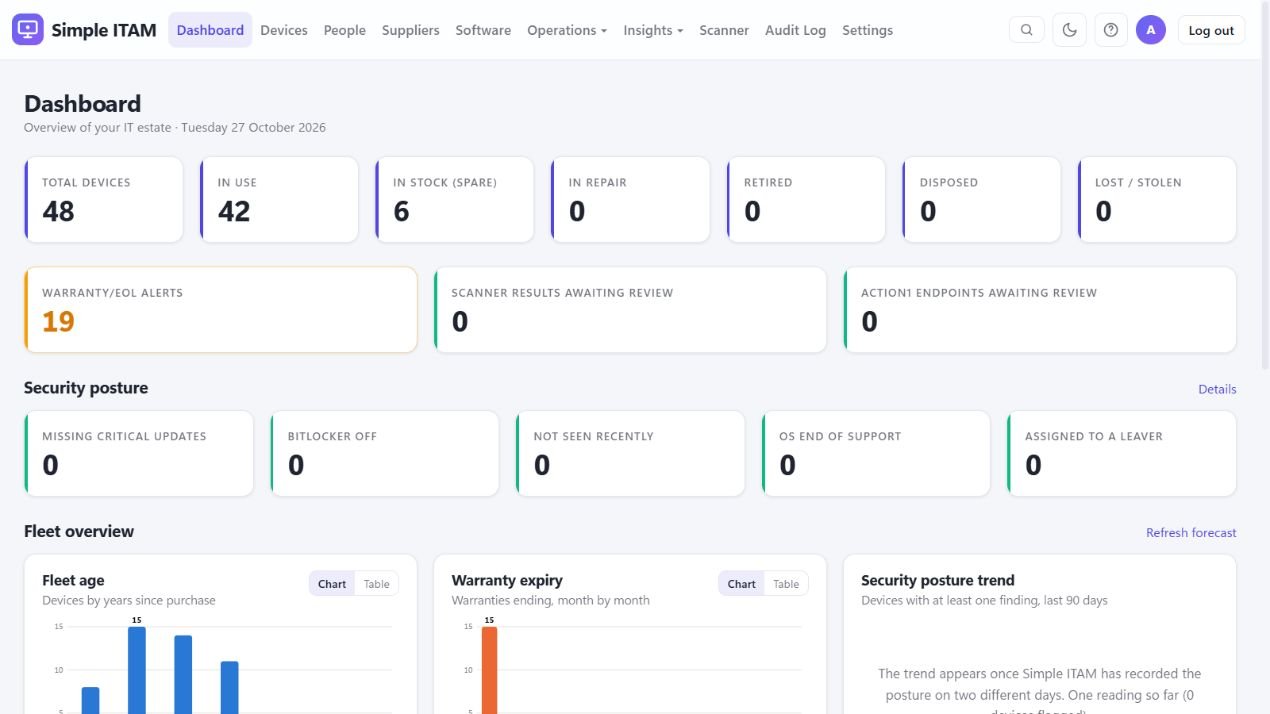
- Dashboard: see asset status totals, warranty alerts, pending review queues, fleet-age and warranty charts, and security posture indicators.
- Security posture and data quality: review findings from available inventory data, including missing updates, encryption status, OS support, incomplete records, duplicates, and stale integrations.
- Reporting and exports: use report views, scheduled reports, CSV import/export, and Excel/PDF exports; produce a compliance evidence pack from recorded data.
- Evidence with context: the compliance pack summarises measured inventory information; it does not certify compliance with a security standard.
Access, administration, and resilience
- Access roles: Administrator, Editor, Viewer, and time-limited read-only auditor accounts control who can see or change information.
- Sign-in options: local accounts, Active Directory, Microsoft Entra ID, and OpenID Connect, with local two-factor authentication and configurable sign-in controls.
- Audit and backup: review asset changes and a tamper-evident audit ledger, use automated backups, and check system health and sync history.
- Personal preferences: English and Danish interfaces, light and dark themes, and per-user date, time, and time-zone preferences.
Deployment and requirements
Self-host Simple ITAM on Windows or Linux with Python 3.10 or later. Network discovery and Active Directory access require a server that can reach your internal systems. Optional integrations require their own accounts, permissions, credentials, and supported services. Feature descriptions are based on the supplied 1.54.5 source and documentation.
Downloads and availability.
Simple ITAM will be free to download. A public download link will be added here when the release package is ready. In the meantime, you can use E-mail tools and Domain lookup directly on this website. Supporting the project is always optional.